
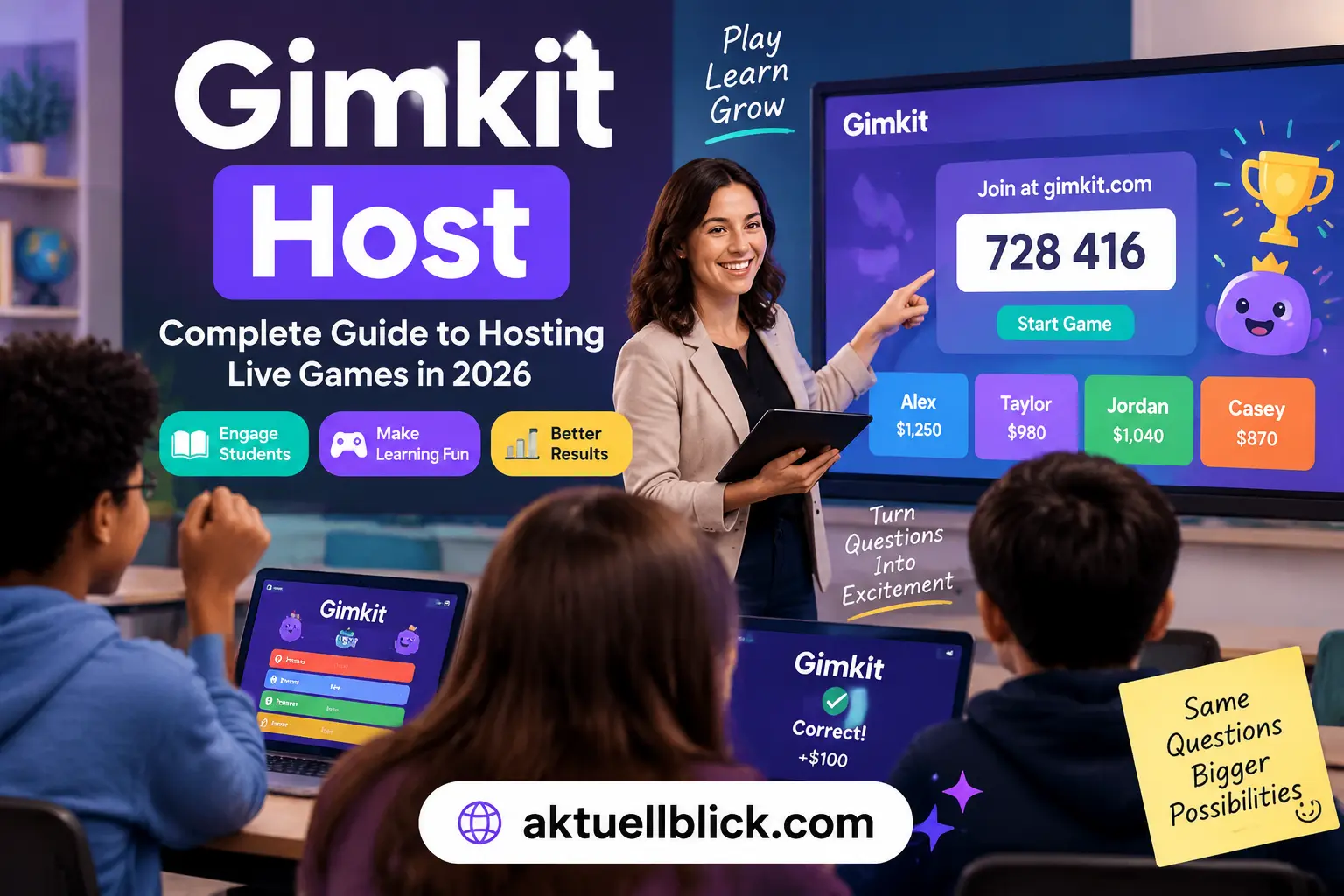

Gimkit Host has become an important feature for teachers, educators, and classroom organizers who want to create interactive learning experiences through live quiz sessions. Whether someone is a teacher trying to make lessons more engaging or a student exploring classroom game activities, understanding how Gimkit Host works makes it easier to run successful live games.
Gimkit Host allows users to organize real-time quiz sessions where participants answer questions, earn rewards, and compete in a game-based learning environment. Unlike traditional quizzes, this interactive learning platform combines knowledge testing with strategy, motivation, and classroom engagement.
Many beginners search for Gimkit Host because they want to know how to start a game, invite players, choose the right settings, and manage a live session. This guide explains everything from creating a game session to solving common problems, so users can understand the complete process without needing additional resources.
What Is Gimkit Host and How Does It Work?
Gimkit Host is the feature that allows a teacher, instructor, or game organizer to launch a live Gimkit game for students or participants. The host controls the session, selects the quiz content, chooses gameplay options, and manages how players participate during the activity.
At its core, Gimkit works as an interactive classroom quiz platform where students answer questions while participating in a competitive game environment. Instead of only focusing on correct answers, the platform adds game mechanics such as rewards, upgrades, and strategic decisions that encourage active participation.
A host creates the live session by selecting a prepared Kit, choosing a game mode, adjusting available settings, and starting the game. Once the session begins, players can join using a unique game code provided by the host.
For beginners asking, “What does a Gimkit host actually do?”, the answer is simple: the host manages the entire learning activity. The host decides what students play, controls the session flow, monitors progress, and creates a better learning experience.
The main purpose of hosting a Gimkit game is to transform regular questions and answers into an engaging activity. Teachers can use it for classroom reviews, exam preparation, knowledge checks, and interactive lessons.
How to Create and Start a Gimkit Host Game
Creating a live game session is a straightforward process, even for first-time users. The main requirement is having access to a Gimkit account and preparing suitable quiz content before starting the activity.
The first step is accessing the Gimkit platform and opening the dashboard. From there, users can find existing Kits or create new question sets based on their teaching goals.
After selecting a Kit, the host chooses a live game option. This allows the quiz to run in real time, where participants answer questions together and experience the competitive features of the platform.
The basic process includes:
- Opening the Gimkit dashboard
- Selecting a Kit or quiz set
- Choosing a live game option
- Selecting a suitable game mode
- Adjusting game settings
- Starting the session
- Sharing the join code with participants
A common beginner question is, “How do you start a Gimkit live game?” The answer is that the host needs to select the content, customize the session, and launch the game. Once activated, the system generates information that allows students or players to enter the session.
Before starting a classroom session, hosts should check their internet connection, review the selected questions, and choose settings that match the learning objective.
Setting Up Your First Gimkit Host Session Step by Step
A successful live session depends on proper preparation. New users often focus only on starting the game, but good setup decisions can significantly improve the overall experience.
The first important step is selecting the right quiz material. A Kit should match the knowledge level of participants and contain clear questions that support the lesson goal.
After selecting content, the host should review game options. Different settings can change how competitive, fast-paced, or collaborative the activity feels.
A beginner-friendly setup usually includes:
- Choosing questions related to the current lesson
- Selecting an appropriate game mode
- Testing the session before class begins
- Setting reasonable time limits
- Explaining joining instructions to students
Many teachers ask, “How can I prepare a Gimkit game before my class starts?” The best approach is creating or reviewing the Kit in advance instead of building everything during the live session.
Preparation also helps avoid common problems such as confusing questions, unsuitable difficulty levels, or students waiting while settings are changed.
Gimkit Game Modes Available for Live Hosting
One of the reasons Gimkit is popular among educators is its variety of game modes. Each mode creates a different style of learning activity and allows teachers to match gameplay with classroom goals.
A game mode determines how students interact with questions, rewards, competition, and progress. Some teachers prefer competitive formats, while others choose options that encourage teamwork and steady participation.
Popular types of Gimkit game modes focus on different learning experiences:
- Competitive gameplay where students try to achieve higher scores
- Team-based activities that encourage collaboration
- Strategy-focused sessions where players make decisions while answering questions
- Practice-focused games designed for revision and learning improvement
When choosing a game mode, teachers should consider the age group, subject difficulty, and purpose of the activity.
For example, a quick review before an exam may require a different approach compared with a long classroom learning session. The right game mode can make students more interested and increase participation.
Choosing the Right Kit for Your Gimkit Host Game
A Kit is the foundation of every Gimkit session because it contains the questions participants will answer during gameplay. Choosing the correct Kit directly affects the quality of the learning experience.
Teachers can create their own Kits based on specific lessons or use existing question collections. A well-designed Kit should contain accurate information, clear wording, and questions that match the expected learning level.
A good Kit should include:
- Relevant questions connected to the lesson
- Balanced difficulty levels
- Clear answer choices
- Updated information
- Enough questions for the planned session
Many beginners ask, “What should I include in a Gimkit Kit?” The answer depends on the purpose of the activity. Review sessions may require important concepts, while practice activities may include broader question coverage.
Creating quality quiz content helps students focus on learning rather than simply competing. A strong Kit improves both engagement and educational value.
Gimkit Host Dashboard Features and Controls
The dashboard is the control center where hosts manage their live activities. Understanding the available controls helps teachers run smoother sessions.
The host dashboard provides tools for managing the game before and during gameplay. It allows organizers to monitor participation, review progress, and control different parts of the session.
Important dashboard functions include:
- Selecting and managing quiz content
- Starting and controlling live sessions
- Monitoring player activity
- Reviewing performance information
- Managing gameplay settings
A common question from new users is, “What can a Gimkit host control during a live game?” The host mainly controls the session structure, settings, and overall activity flow.
Learning these controls before running a classroom activity helps prevent interruptions and creates a more professional teaching experience.
How Students Join a Gimkit Host Game Using a Code
Joining a live Gimkit session is designed to be simple for students and participants. After a host starts a game, the platform provides a unique joining method that allows players to enter the session from their own devices.
Students usually need the game code provided by the host. This code connects them to the correct live activity and ensures they enter the right classroom quiz session.
The joining process generally involves:
- Opening the Gimkit joining page
- Entering the game code shared by the host
- Adding the required player name
- Waiting for the host to begin the activity
A common question is, “How do students join a Gimkit game without creating a complicated setup?” The answer is that students mainly need the joining information provided by the host and a compatible device with internet access.
Teachers should display the join code clearly and give students enough time to enter before starting the activity. This prevents delays and allows everyone to participate together.
If students cannot join, the problem may be related to incorrect codes, connection issues, browser problems, or session settings. Checking these areas usually helps resolve the issue quickly.
Managing Players During a Gimkit Live Game
Managing participants effectively is an important part of running a successful live quiz activity. While students are playing, the host needs to monitor participation and ensure the session remains organized.
A classroom quiz platform works best when students understand the rules and the host maintains control over the activity. Good management helps create a balanced environment where students focus on learning instead of only competition.
During a live game, hosts can focus on:
- Monitoring student participation
- Observing gameplay progress
- Keeping students engaged
- Managing classroom timing
- Adjusting activities based on student performance
Teachers can also use live sessions as a way to identify areas where students need additional support. For example, repeated incorrect answers may show topics that require more explanation.
A useful question many educators ask is, “How can I keep students focused during a Gimkit live game?” The answer is to combine clear instructions, suitable settings, and active classroom monitoring.
A well-managed session turns a simple quiz into a meaningful learning activity.
Best Gimkit Host Settings for Teachers and Classrooms
Choosing the correct settings can significantly improve the quality of a classroom game. Different classes have different learning goals, so hosts should customize their sessions instead of using the same setup every time.
For younger students, teachers may prefer simpler settings that focus on participation and confidence. For advanced learners, competitive options can create more challenge and motivation.
Important settings considerations include:
- Selecting an appropriate game duration
- Choosing the right difficulty level
- Balancing competition and learning
- Allowing enough time for students to answer
- Selecting a game mode suitable for the class
Many teachers ask, “What are the best settings for a Gimkit classroom game?” The best choice depends on the lesson objective, student age, and classroom environment.
For review activities, faster sessions may work well. For deeper learning activities, teachers may prefer more time for students to think and engage with questions.
The goal is not only to create competition but also to support understanding and knowledge retention.
Creating Engaging Quiz Content for Gimkit Host Sessions
The quality of questions plays a major role in the success of any Gimkit activity. Even the best game settings cannot replace well-prepared educational content.
Strong quiz content should be clear, relevant, and connected to what students are currently learning. Questions should test understanding rather than simply asking students to memorize information.
Effective question creation includes:
- Writing simple and clear questions
- Avoiding confusing wording
- Including different difficulty levels
- Covering important learning objectives
- Reviewing answers before launching the game
A common question is, “How do I make a better Gimkit quiz?” The answer is to focus on meaningful questions that encourage thinking and help students improve.
Teachers can use live quiz sessions for revision, assessments, classroom discussions, and knowledge checks. When questions are designed properly, students become more involved in the learning process.
For the latest updates and insights, explore Judith Love Cohen today.
Gimkit Host Tips to Improve Classroom Engagement
Keeping students interested is one of the biggest advantages of game-based learning. A well-planned Gimkit session can increase participation and make lessons more interactive.
Teachers can improve engagement by connecting questions with real classroom goals and creating a positive learning environment.
Useful strategies include:
- Explaining game rules before starting
- Choosing activities that match student ability
- Using questions related to current lessons
- Encouraging improvement instead of only winning
- Reviewing difficult questions after the game
A frequent teacher question is, “How can I make students more active during a live quiz?” The solution is creating an environment where students feel motivated to participate and learn.
Gimkit works best when it supports teaching rather than replacing it. The platform becomes more valuable when combined with explanation, discussion, and feedback.
Common Problems With Gimkit Host and Their Solutions
Like any online educational tool, users may sometimes experience technical or setup problems. Understanding common issues helps hosts solve problems faster.
Many problems happen because of incorrect settings, connection difficulties, or misunderstandings about how live sessions work.
Common issues include:
- Game session not starting
- Players unable to join
- Incorrect joining information
- Browser loading problems
- Account access difficulties
A common question is, “Why is my Gimkit game not working?” The reason can vary depending on the situation. Checking account access, internet connection, browser compatibility, and session details can often identify the problem.
Hosts should also prepare before class by testing their activity and ensuring students know how to join.
Troubleshooting Gimkit Login, Code, and Game Issues
Login and joining problems are among the most common challenges faced by new users. A simple troubleshooting process can solve many issues without interrupting the classroom experience.
If a user cannot access their account, they should check login details and account-related settings. If students cannot enter a game, the host should confirm that the correct joining information has been shared.
Common troubleshooting steps include:
- Refreshing the browser
- Checking internet stability
- Confirming the correct game code
- Trying another supported browser
- Restarting the session if necessary
Many users search, “Why is my Gimkit code not working?” Usually, the problem is related to entering the wrong information, joining an inactive session, or technical connection issues.
Preparing devices and testing the activity before class can reduce most problems.
Gimkit Host vs Other Classroom Quiz Platforms
Teachers today have many digital learning tools available, but each platform offers a different approach to classroom engagement. Comparing Gimkit with other classroom quiz platforms helps educators understand where it fits best for their teaching needs.
Traditional quiz tools mainly focus on answering questions and displaying results, while Gimkit adds game-based elements that encourage students to stay involved throughout the activity. The combination of quizzes, strategy, rewards, and competition creates a different learning experience.
When comparing online quiz platforms, teachers usually consider:
- Student engagement level
- Ease of creating quizzes
- Available game features
- Classroom management options
- Learning effectiveness
A common question is, “What makes Gimkit different from other quiz platforms?” The main difference is its focus on interactive gameplay. Instead of simply answering questions, students participate in a learning environment where their choices and progress affect the experience.
Platforms such as Kahoot and Quizizz also provide interactive quiz features, but Gimkit focuses more heavily on game mechanics and strategic decision-making. This makes it suitable for teachers who want to add more excitement and participation to classroom reviews.
The best choice depends on the teacher’s goals, classroom style, and the type of learning activity they want to create.
How Gimkit Host Helps Teachers and Students Learn Better
Game-based learning has become increasingly popular because it helps students participate more actively. A well-designed Gimkit session can support both teaching and learning by making practice activities more engaging.
For teachers, a live quiz session provides an opportunity to review knowledge, identify learning gaps, and make lessons more interactive. Instead of waiting for traditional assessments, teachers can quickly understand how students are responding to different topics.
For students, interactive quiz games can make learning feel less stressful and more enjoyable. The combination of questions, progress, and rewards encourages students to continue participating.
The main learning benefits include:
- Increased classroom participation
- Faster knowledge review
- More interactive lessons
- Better student motivation
- Immediate understanding of difficult topics
Many educators ask, “Can a Gimkit game actually improve learning?” The platform itself does not replace teaching, but it can support better learning when used with proper instruction and discussion.
The strongest results come when teachers use the activity as part of a larger lesson strategy rather than using it only as entertainment.
Is Gimkit Host Free? Features, Plans, and Limitations
One of the most common questions from new users is whether they can use Gimkit hosting features without paying. Understanding available options helps teachers decide whether the platform matches their classroom requirements.
Gimkit provides access to quiz creation and gameplay features, but some advanced options may depend on account type and available plans. Users should evaluate which features they actually need before choosing a plan.
The free and paid experience can differ in areas such as:
- Available game features
- Classroom usage options
- Advanced tools
- Additional customization choices
A common search question is, “Can teachers use Gimkit for free?” Many educators can explore the platform with available features before deciding whether additional options are necessary.
For occasional classroom activities, basic features may be enough. Teachers who regularly use interactive quiz games may consider additional capabilities depending on their teaching requirements.
The most important factor is choosing features that support learning goals rather than focusing only on available upgrades.
Advanced Gimkit Host Strategies for Better Live Games
Experienced teachers often improve their sessions by using strategies beyond simply launching a quiz. Small adjustments can make games more effective, organized, and valuable for students.
An advanced host focuses on preparation, classroom management, and learning outcomes. The goal is not just to create competition but to create an activity where students actively think and improve.
Useful advanced strategies include:
- Creating question sets based on learning objectives
- Mixing easy and challenging questions
- Using games as review activities
- Discussing answers after gameplay
- Adjusting sessions based on student performance
A common question is, “How can experienced teachers get more value from Gimkit?” The answer is using the platform as a teaching tool rather than only a game.
Teachers can also use results from live sessions to understand which concepts students understand and which areas need additional explanation.
A successful session combines technology, teaching skills, and meaningful content.
Gimkit Host Updates and New Features in 2026
Educational technology continues to change as teachers look for better ways to engage students. In 2026, classroom learning platforms are increasingly focused on personalization, interactive experiences, and easier classroom management.
Modern educational tools are moving toward features that support both teachers and students. This includes smoother gameplay experiences, better organization, and improved ways to create engaging activities.
When using any digital learning platform, teachers should regularly review available features and adapt their teaching methods accordingly.
Important areas to watch include:
- Improved classroom interaction tools
- Easier quiz creation workflows
- Better student participation features
- More flexible learning activities
A common question is, “Why should teachers keep learning new Gimkit features?” The answer is that understanding new tools allows educators to create better learning experiences and use technology more effectively.
Keeping content updated and learning new features helps teachers get long-term value from educational platforms.
FAQs
What is Gimkit Host?
Gimkit Host is the feature that allows teachers or organizers to create and manage live quiz sessions. The host controls the game setup, selects content, manages settings, and allows students to participate using joining information.
How do I host a Gimkit game?
To host a Gimkit game, users need to select a Kit, choose a live game option, customize available settings, and start the session. After launching the activity, participants can join using the provided game information.
How do students join a Gimkit game?
Students join a Gimkit game by using the joining details shared by the host. They typically enter the provided code and follow the instructions to access the live session.
Do students need a Gimkit account to play?
Whether students need an account depends on the current platform requirements and the type of activity being used. In many classroom situations, students can participate through a joining process provided by the host.
Why is my Gimkit game code not working?
A Gimkit game code may not work because of incorrect entry, an inactive session, connection problems, or browser issues. Checking the code and confirming that the host has started the game can help solve the problem.
Can teachers use Gimkit for online classes?
Yes, teachers can use interactive quiz activities like Gimkit during online learning environments. A live session can help create participation and engagement even when students are not physically together.
What is the best Gimkit game mode for classrooms?
The best game mode depends on the lesson goal, student age, and classroom environment. Teachers should choose a mode that supports learning objectives and keeps students engaged.
Conclusion
Gimkit Host provides teachers and educators with a practical way to create interactive learning experiences through live quiz sessions. By combining questions, gameplay, and classroom participation, it transforms regular review activities into more engaging experiences.
Understanding how to create sessions, choose suitable Kits, manage players, and solve common problems allows beginners to use the platform with confidence. Good preparation and thoughtful question design are the foundation of successful live games.
For teachers looking to improve classroom interaction, Gimkit can be a useful educational technology tool when combined with effective teaching methods. The best results come when hosts focus on learning goals, student involvement, and creating meaningful activities.
For the latest updates and insights, explore Raegan Revord today.